 Listicle
7 Best Square Alternatives for Retail Stores
Last Updated: November 17, 2026
Quick Summary
The best square alternatives for retail stores are DCATMP, Clover POS, Shopify POS, Lightspeed Retail, PHP Point of Sale, Osprey and SumUp. DCATMP offers free POS hardware with no long-term contracts, while Clover suits busy counters and Lightspeed fits inventory-heavy multi-location stores. Match the system to your store type and model total cost of ownership, not headline prices.
- DCATMP offers free POS hardware and no long-term contracts or cancellation fees, though approval is required.
- Clover POS pricing and features vary by reseller, so two stores can pay very different rates.
- Shopify POS makes the most sense if you already run a Shopify store.
- Lightspeed Retail rewards stores that will use its inventory depth; lighter retailers pay for unused features.
- Score candidates 1 to 5 on weighted criteria and model costs over 12 and 36 months.
Table of Contents
- Why Retailers Look Beyond Square
- Quick Comparison: 7 Square Alternatives at a Glance
- 1. DCATMP: Free POS Hardware and No Long-Term Contracts
- 2. Clover POS for Retail: Busy Counter Performance
- 3. Shopify POS: Built for Omnichannel Retailers
- 4. Lightspeed Retail: Inventory Depth and Multi-Location Control
- 5. PHP Point of Sale, Osprey and SumUp: Budget-Friendly Options
- Choosing the Best POS Systems for Retail Stores by Store Type
- Frequently Asked Questions
Why Retailers Look Beyond Square
Retailers look beyond Square because a payment processor that works fine for a coffee cart can strain under the demands of a real storefront: purchase orders, multi-location stock transfers, and a checkout line that cannot afford downtime. Square is a capable starting point, but it was built for simplicity first. That trade-off shows up once your SKU count climbs and your counter gets busy.
Merchants often switch payment systems, and the pattern is consistent. Most do not leave because of a single fee. They leave because of a mismatch between what the store actually does and what the software assumes it does. A common mistake is choosing a platform on card reader price alone, then discovering the inventory and reporting gaps months later.
Below, we break down seven Square alternatives for retail stores, with the trade-offs spelled out. The comparison table up front lets you scan quickly; the sections after it explain the reasoning.
FTC guidance on unfair or deceptive fee practices
Quick Comparison: 7 Square Alternatives at a Glance
The table below summarizes each option by best-fit scenario and the main trade-off to weigh.
| Option | Best For | Standout Strength | Watch Out For |
|---|---|---|---|
| DCATMP | Stores wanting free hardware, no lock-in | No long-term contracts, free POS terminals | Approval required for free equipment |
| Clover POS | Busy counter, high transaction volume | Fast checkout throughput | Pricing varies by reseller |
| Shopify POS | Online-first retailers | Unified online and in-store selling | Best value inside Shopify ecosystem |
| Lightspeed Retail | Inventory-heavy, multi-location stores | Deep stock and purchase order tools | Higher learning curve |
| PHP Point of Sale | Budget-conscious single stores | Low-cost core POS | Limited ecosystem |
| Osprey | Flexibility seekers | Straightforward POS setup | Fewer retail-specific extras |
| SumUp | Small, low-volume sellers | Simple card payments | Basic inventory depth |
For a deeper roundup beyond these seven, see our guide to the best POS systems for small business.
1. DCATMP: Free POS Hardware and No Long-Term Contracts
DCATMP is a merchant services provider offering free POS hardware, credit card processing, and ATM solutions with no long-term contracts or cancellation fees. For qualifying businesses, there are no upfront equipment costs, which removes the biggest barrier to switching: paying for new terminals before you have processed a single sale.
DCATMP supplies touchscreen POS systems and merchant-facing terminals, and handles card processing and crypto payments. Free hardware is offered to qualifying businesses, so approval is part of the process.
Watch out: merchants often assume "free equipment" means hidden processing markups. Ask any provider to show the full processing rate structure in writing before you sign.
If you want the step-by-step version, read how to get free POS terminals, or browse our touchscreen POS systems. Skeptical about contract-free models? We cover whether merchant services without long-term contracts are worth it.
2. Clover POS for Retail: Busy Counter Performance
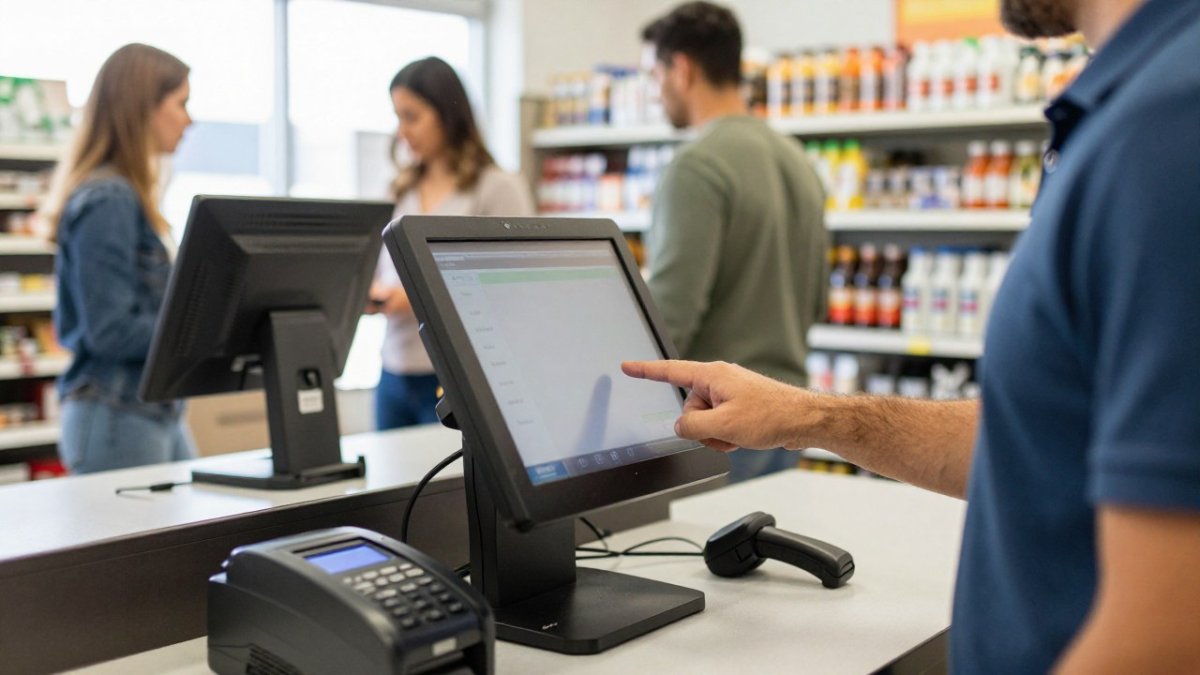
Clover POS for retail earns its place on this list for one reason: throughput. When a line forms, the checkout flow needs to move fast, and Clover's counter hardware is designed for high-volume in-person payments. It handles card reader and payment terminal duties well and keeps the interaction short.
The trade-off is transparency. Clover's pricing and features vary by reseller, so two stores can pay very different rates for what sounds like the same plan. A common mistake is comparing Clover's headline price without checking the reseller's monthly subscription and transaction fee terms.
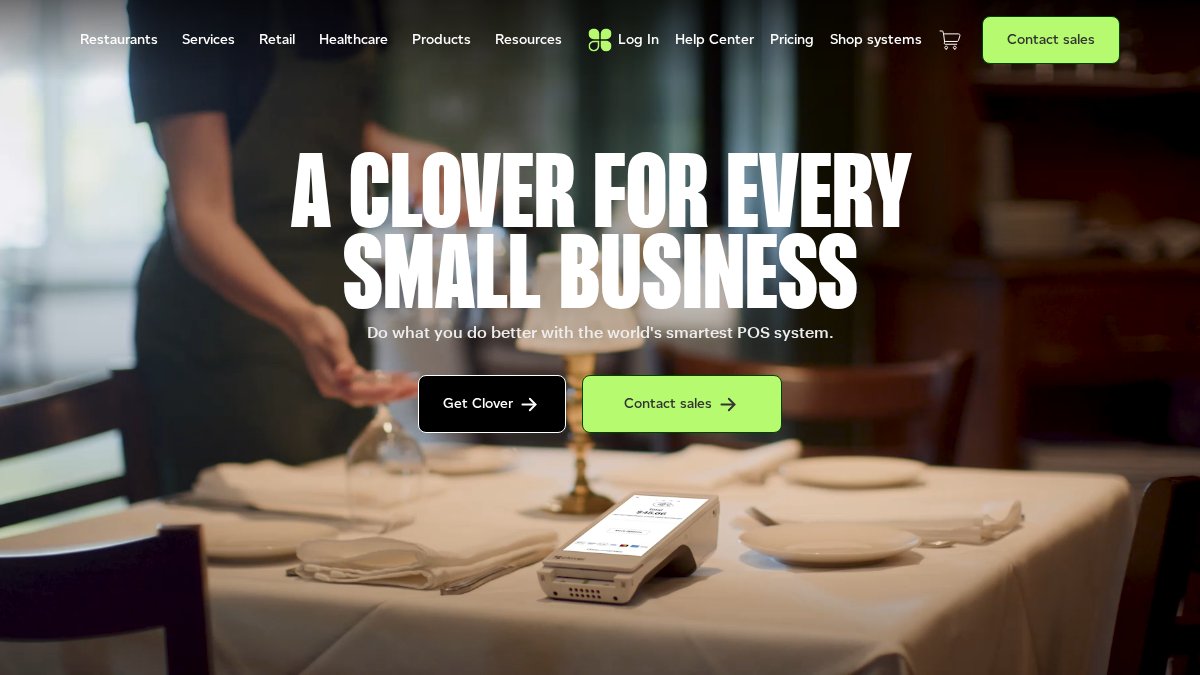
Best for: high-volume counters where speed matters most. Skip if: you want one predictable, published rate structure.
3. Shopify POS: Built for Omnichannel Retailers
Shopify POS is the strongest choice for retailers whose sales are primarily online and who want in-person payments to feed the same system. Inventory, customer profiles, and orders live in one place, so omnichannel selling does not require syncing two databases.
In practice, Shopify POS makes the most sense if you already run a Shopify store. If you are starting from scratch or sell mostly in person, the subscription cost stacks on top of your ecommerce plan, and the value shrinks.
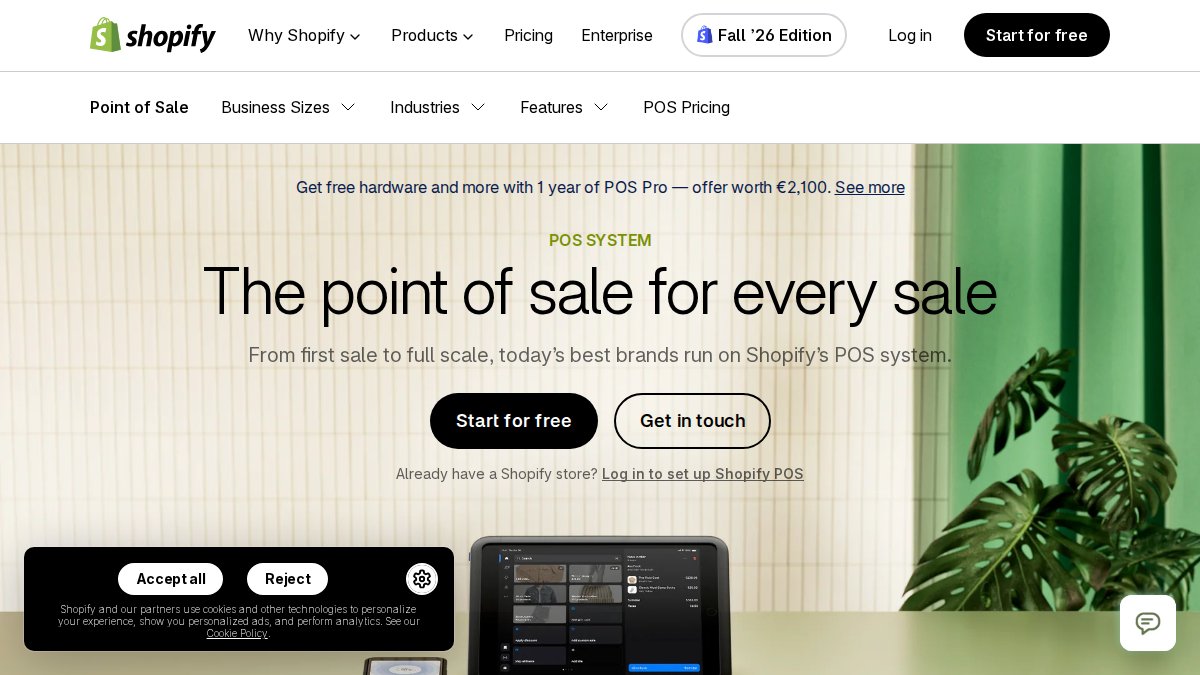
Best for: online-first retailers adding a physical counter. Skip if: in-store sales are your whole business.
4. Lightspeed Retail: Inventory Depth and Multi-Location Control
Lightspeed Retail targets the operational core of a serious store: inventory management, purchase orders, stock transfers, and multi-location control. If your problem is not checkout speed but knowing exactly what is on the shelf at each location, this is the category to examine.
The cost is complexity. Lightspeed rewards stores that will use its depth; lighter retailers pay for features they never touch. Setup and onboarding take more effort than a basic card reader.
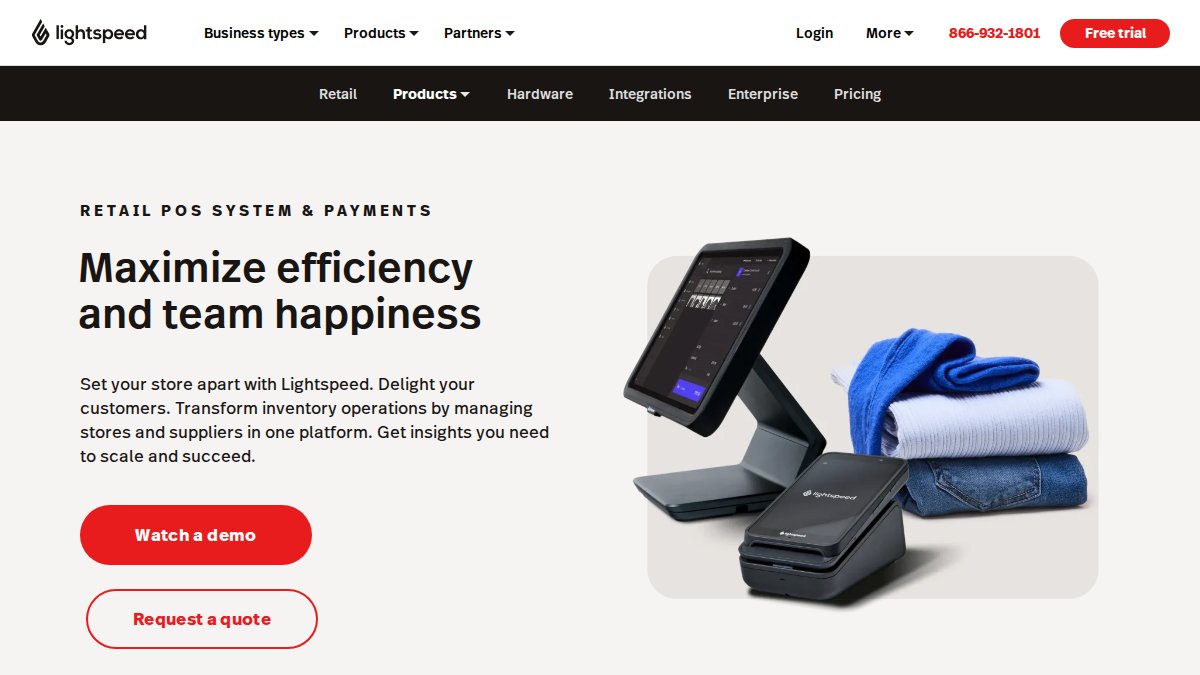
Best for: inventory-heavy, multi-location retailers. Skip if: you need a fast, simple setup.
5. PHP Point of Sale, Osprey and SumUp: Budget-Friendly Options
Three budget-friendly names round out the list for stores that want a free POS app like Square or a low-cost alternative. Each covers the basics, card reader, payment terminal, and simple inventory tracking, but they differ enough in pricing structure and retail fit that they deserve separate treatment.
It runs on a PHP/MySQL stack, which means you or your web host handle updates, backups, and security. The trade-off is real: no managed uptime guarantee, no built-in payment processing relationship, and integrations with accounting or loyalty tools require manual setup. If your counter cannot afford downtime and you do not have someone who can troubleshoot a server, this is not the right fit.
It suits a single register with a modest SKU count, not a store managing variants across multiple shelves and backstock.
The POS app covers basic inventory and sales tracking, but reporting depth and third-party integrations are thin. If you need accounting software sync, loyalty programs, or purchase order workflows, confirm compatibility before committing, most practitioners find SumUp works best as a payment layer rather than a full retail operating system.
Across all three, the same caution applies. A low sticker price on hardware or a free app tier often means the real cost shows up in processing rates, add-on fees, or the labor of manual workarounds. Ask for the full rate structure and a list of what is included versus what costs extra before you switch.
Best for: small, single-location sellers with modest volume and simple inventory needs. Skip if: you need advanced inventory, multi-location tools, or deep reporting.
Choosing the Best POS Systems for Retail Stores by Store Type
The best POS systems for retail stores depend on store type, not on a generic feature checklist. A boutique with 400 SKUs and one register has different needs than a three-location shop with purchase orders and stock transfers. This section gives you a scoring method, a total-cost-of-ownership model, and a migration checklist so you can compare systems on the numbers that actually decide the outcome.
Start with a decision framework based on store size and growth. Score each candidate from 1 to 5 on the criteria that match your situation, then weight them. A workable weighting for a single-location store is: inventory accuracy and reporting (30%), payment processing cost and reliability (25%), ease of use and onboarding (20%), hardware and subscription cost (15%), and integrations (10%).
Model total cost of ownership, not headline prices. Subscription fees, transaction rates, hardware, add-ons, and contract terms together decide the real price. Run a realistic scenario: take your monthly card volume, your average ticket, and your SKU count, then calculate what each system charges over 12 and 36 months. A platform with a low monthly fee but a higher effective processing rate can cost more than one with a higher subscription and competitive processing.
Plan the migration before you sign. Confirm your product data, customer records, and sales history can be exported from your current system and imported into the new one. Ask specifically about SKU and variant mapping, barcode reassignment, and whether historical sales data carries over for reporting. A common pattern is that stores underestimate downtime: plan for a cutover window when you can run on backup payment methods, and test a sample import before the full move.
Match the system to your retail workflow. Apparel and specialty stores need variant handling (size, color, style) and sell-through reporting by variant. High-SKU stores need barcode workflows, low-stock alerts, and purchase order management. Pop-ups and stores with both online and physical sales need inventory that stays synced across channels. Multi-location stores need stock transfers and location-level reporting.
Weigh operational reliability and support quality. Ask about offline selling: can the POS complete transactions when the internet drops, and how does it reconcile when the connection returns? Ask about outage recovery, support hours, and escalation paths. These are practical concerns that broad alternatives roundups often overlook, and they matter more than a feature list when your counter is busy.
Once you have shortlisted a system, request a quote to compare terms directly, and confirm the migration and total-cost details in writing before you commit.
Switching payment systems is a decision about fit, not brand loyalty. If your store needs free hardware, no long-term contracts, and processing that includes crypto payments settled in USD, DCATMP is built for that. We offer free merchant and customer-facing POS systems, 24/7 support, and free ATM placement with full installation and maintenance. Get started with DCATMP and put a system in place that matches how your store actually sells.
Frequently Asked Questions
Is there a better option than Square for retail stores?
It depends on where Square falls short for you. If you sell mostly online and want in-store and ecommerce on one system, Shopify POS may be worth comparing. If upfront hardware costs and long contracts are the concern, DCATMP offers free terminals and touchscreen POS systems for qualifying businesses with no long-term contracts or cancellation fees. Compare processing rates, hardware costs and inventory features before deciding.
Which Square alternative is best for inventory management?
Lightspeed Retail is the strongest pick when inventory accuracy and reporting depth matter most. It handles SKU management, product variants, barcode scanning, purchase orders, stock transfers and multi-location stock levels in one system. Stores with simpler inventory needs can often get by with Clover POS for retail or Shopify POS. If your stock is small and you mainly want low costs, a budget option like PHP Point of Sale may be enough.
Are there free POS apps like Square for retail?
Free POS app like Square options exist, but read the terms closely. Many free apps charge higher transaction fees or lock key features behind paid plans. DCATMP takes a different route: free merchant and customer-facing POS systems for qualifying businesses, with no upfront equipment costs and no long-term contracts. Ask each provider what the free tier actually includes, what processing rates apply, and whether you keep your data if you leave.
What should a retailer compare before switching from Square?
Start with total cost of ownership, not the sticker price. Add up monthly subscription, hardware costs, card reader and payment terminal fees, and processing rates at your real monthly volume. Then check retail workflow fit: inventory tracking, purchase orders, stock transfers, sales reporting and offline mode. Confirm how migration works, whether customer profiles and SKU data export cleanly, and what support you get at 2 AM. DCATMP, for example, offers 24/7 support and no cancellation fees.
Is Clover a good alternative to Square for retail?
Clover POS for retail is a reasonable fit for stores with busy checkout counters that want a dedicated point-of-sale system rather than a general-purpose payment tool. Before committing, confirm the monthly subscription, hardware costs and processing rates for your volume, and ask whether there is a long-term contract. Retailers who want no contracts or upfront equipment costs should weigh Clover against DCATMP's terms.